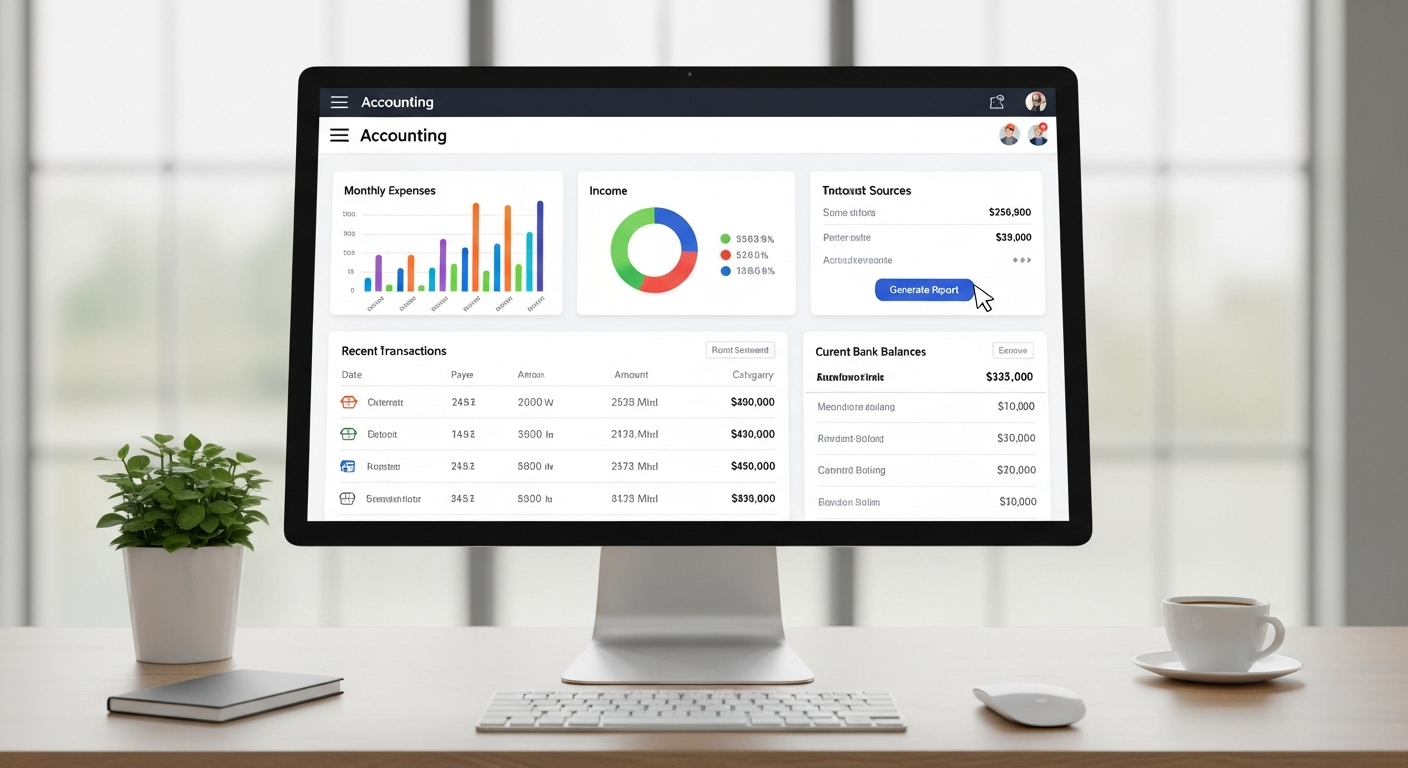

Accounting software List helps small businesses and professionals manage their finances accurately and efficiently. From tracking income and expenses to generating invoices and financial reports, the right accounting tools simplify daily accounting tasks. In this guide, we highlight essential software options designed to save time, reduce errors, and support better financial decisions for growing businesses and independent professionals.
This guide covers popular accounting software solutions, their key features, and who they are best suited for. By using this accounting software list, small business owners and professionals can choose tools that fit their needs, improve bookkeeping accuracy, and stay organized while focusing on business growth.
Accounting Software List for Small Businesses

Small businesses need accounting software that is easy to use, affordable, and helpful for daily financial tasks. Good accounting software helps small business owners manage income, track expenses, send invoices, handle taxes, and understand cash flow without hiring a full-time accountant. Many modern tools are cloud-based, which means business owners can access their financial data anytime and anywhere.
QuickBooks Online is one of the most popular accounting software options for small businesses. It allows users to record income and expenses, connect bank accounts, create invoices, track sales tax, and generate financial reports. QuickBooks is suitable for businesses of all sizes and offers plans based on business needs.
Xero is another cloud-based accounting software designed for small businesses. It provides features such as bank reconciliation, invoicing, expense tracking, payroll integration, and financial reporting. Xero is known for its simple dashboard and real-time financial updates.
Wave Accounting is a free accounting software ideal for startups, freelancers, and very small businesses. It offers basic features like income tracking, expense management, invoicing, and receipt scanning. Wave is a good choice for businesses with limited budgets and simple accounting needs.
Zoho Books is part of the Zoho business software family and is well-suited for small businesses. It helps manage invoices, expenses, bank transactions, and tax compliance. Zoho Books works well for businesses already using Zoho CRM or other Zoho tools.
FreshBooks is best for service-based small businesses. It focuses on invoicing, time tracking, project management, and expense tracking. FreshBooks is simple to use and helps business owners get paid faster.
Sage Business Cloud Accounting offers reliable accounting tools for small businesses planning to grow. It supports invoicing, cash flow tracking, and financial reporting.
Accounting Software List for Professionals

Accounting professionals such as accountants, auditors, consultants, and finance experts need powerful software to manage multiple clients, ensure accuracy, and meet compliance requirements. Professional accounting software offers advanced features, automation, and detailed reporting to handle complex financial data efficiently.
QuickBooks Online Accountant is widely used by accounting professionals. It allows accountants to manage multiple client accounts from one dashboard, automate bank reconciliations, review books, and prepare tax-ready reports. It also enables easy collaboration with clients.
Xero is popular among professional accountants and accounting firms. It offers real-time financial data, multi-currency support, payroll integration, and advanced reporting tools. Xero is ideal for professionals handling clients across different countries.
Sage Intacct is designed for professionals working with growing and mid-sized businesses. It provides strong financial management, automation, compliance tools, and customizable reports. Sage Intacct is often used by firms needing scalable accounting solutions.
FreshBooks is commonly used by professionals offering consulting, legal, or creative services. It supports time tracking, invoicing, expense management, and client billing, making it easier to manage service-based clients.
Zoho Books is suitable for professionals who want cost-effective yet feature-rich software. It includes project accounting, workflow automation, expense tracking, and tax management. Zoho Books integrates well with other Zoho products.
NetSuite Accounting Software is used by professionals handling large clients or enterprise-level accounting. It offers advanced accounting, financial planning, revenue recognition, and compliance tools.
Free vs Paid Accounting Software
Choosing between free and paid tools is an important part of selecting the right accounting software list for your needs. Many beginners and small businesses start with free accounting software because it helps manage basic financial tasks without extra cost. Free tools usually allow users to track income and expenses, create simple invoices, and view basic financial reports. For startups with limited budgets, a free accounting software list can be a practical way to understand cash flow and daily transactions.
One major advantage of free accounting tools is accessibility. Most free options are easy to set up and use, making them ideal for beginners learning financial management. They reduce financial pressure while still offering essential bookkeeping features. A free accounting software list is also helpful for freelancers or side businesses that do not yet require advanced reporting or automation.
However, free software has limitations. Many tools restrict the number of users, invoices, or transactions. Advanced features like tax management, payroll, inventory tracking, and detailed reports are often missing. As a business grows, these limits can slow down operations. This is when upgrading becomes important. A paid accounting software list provides more control, automation, and customization to support business expansion.
Paid accounting software usually offers better customer support, stronger security, and regular updates. It helps businesses save time by automating repetitive tasks such as bank reconciliation and tax calculations. For professionals and growing companies, a paid accounting software list often delivers better long-term value despite the monthly or yearly cost.
Cloud-Based vs Desktop Accounting Software

Understanding the difference between cloud-based and desktop tools is essential when reviewing an accounting software list. Cloud-based accounting software works online and stores data on secure servers, while desktop software is installed directly on a computer. Each option offers unique benefits depending on business needs, work style, and budget.
Cloud-based solutions are becoming more popular in modern accounting software lists. One major advantage is accessibility. Users can access financial data anytime, anywhere, using the internet. This is especially useful for business owners, freelancers, and accountants who work remotely or manage multiple clients. Cloud tools also offer automatic updates, ensuring the software stays current without manual installation.
Another benefit of cloud-based software is data backup. Most cloud accounting software lists include automatic backups, reducing the risk of data loss due to system failure or theft. Collaboration is also easier, as multiple users can access the same data in real time. This improves teamwork between business owners and financial professionals.
Desktop accounting software, on the other hand, is installed on a specific device and does not always require internet access. This can be useful for businesses operating in areas with limited connectivity. Desktop tools often provide strong performance and control over data storage. Some users prefer this option for privacy reasons, as data is stored locally.
However, desktop software requires manual updates and regular backups, which can be time-consuming. It may also limit accessibility since data is tied to one system. When reviewing an accounting software list, businesses should consider these factors carefully.
Security and system requirements also differ. Cloud providers invest heavily in data protection, while desktop users must manage their own security. The best accounting software list balances convenience, security, and functionality. Choosing between cloud-based and desktop software depends on how and where financial work is managed daily.
Key Features to Look for in Accounting Software
When choosing the right accounting software list, it is important to understand the key features that support smooth financial management. A reliable accounting software list should help businesses track money easily, save time, and reduce errors. One of the most basic features is expense and income tracking. This allows users to record daily transactions, monitor cash flow, and understand where money is coming from and going. Accurate tracking helps in better budgeting and financial planning.
Invoicing and billing tools are another essential feature in any accounting software list. These tools help create professional invoices, send payment reminders, and track unpaid bills. This improves cash collection and keeps customer records organized. Good invoicing features are especially helpful for freelancers and small businesses.
Financial reports and dashboards also play a key role. An effective accounting software list should provide clear reports such as profit and loss statements, balance sheets, and cash flow summaries. Dashboards give a quick overview of financial health, helping users make informed decisions without complex calculations.
Tax calculation and compliance support is another important feature. Many tools automatically calculate taxes, manage tax categories, and generate reports needed for filing. This reduces stress during tax season and helps avoid mistakes.
Conclusion
Choosing the right accounting software is an important step for managing business finances efficiently. A well-planned accounting software list helps small businesses and professionals track income, control expenses, manage invoices, and stay compliant with taxes. The right tools save time, reduce errors, and provide clear financial insights for better decision-making. Whether you choose free or paid software, cloud-based or desktop solutions, the key is to match the software with your business size, budget, and future goals. By using a reliable accounting software list, beginners and professionals alike can simplify bookkeeping tasks, improve financial accuracy, and focus more on growth and long-term success.
FAQs
Can accounting software help with business audits?
Yes, accounting software can support business audits by keeping financial records organized and accurate. Most tools store transaction histories, invoices, receipts, and reports in one place. This makes it easier to provide required documents during an audit. Clear records reduce stress, save time, and help businesses show transparency and compliance with financial rules and regulations.
Is accounting software useful for non-finance professionals?
Accounting software is very useful for people without a finance background. Most modern tools are designed with simple dashboards, guided setups, and automated calculations. This allows business owners, freelancers, and consultants to manage finances without advanced accounting knowledge. Easy reports and summaries help users understand their financial position clearly and confidently.
How often should accounting software data be updated?
Accounting software data should ideally be updated daily or weekly. Regular updates ensure accurate records, better cash flow tracking, and fewer errors. Frequent updates also make it easier to detect issues early, such as overspending or unpaid invoices. Consistent data entry helps generate reliable reports and supports better financial planning and decision-making.
Can accounting software handle multiple currencies?
Many accounting software tools support multi-currency transactions. This feature is helpful for businesses working with international clients or suppliers. It allows users to record payments in different currencies, apply exchange rates, and generate accurate reports. Multi-currency support improves accuracy and simplifies global financial management.
What happens if I change accounting software later?
If you change accounting software, most platforms allow data export and import. You can transfer customer records, transactions, and reports to the new system. While setup may take some time, planning the transition carefully helps avoid data loss. Choosing software with flexible data migration options makes switching easier in the future.